
Product
Mac performance, understood.
UrMac brings monitoring, history, application correlation, and investigation together so you can move from raw metrics to a clear explanation of what happened.
Monitoring is only the beginning.
Monitoring Foundation
Everything underneath.
The intelligence starts with trustworthy monitoring.
- CPUUtilization, user and system activity, history
- MemoryPressure, used and available memory, swap
- GPUUtilization, history, graphics hardware
- BatteryCharge, charging state, health where reported
- StorageCapacity, read and write activity
- NetworkDownload and upload rates, history
- ApplicationsCPU and memory by application
- ThermalThermal state reported by macOS
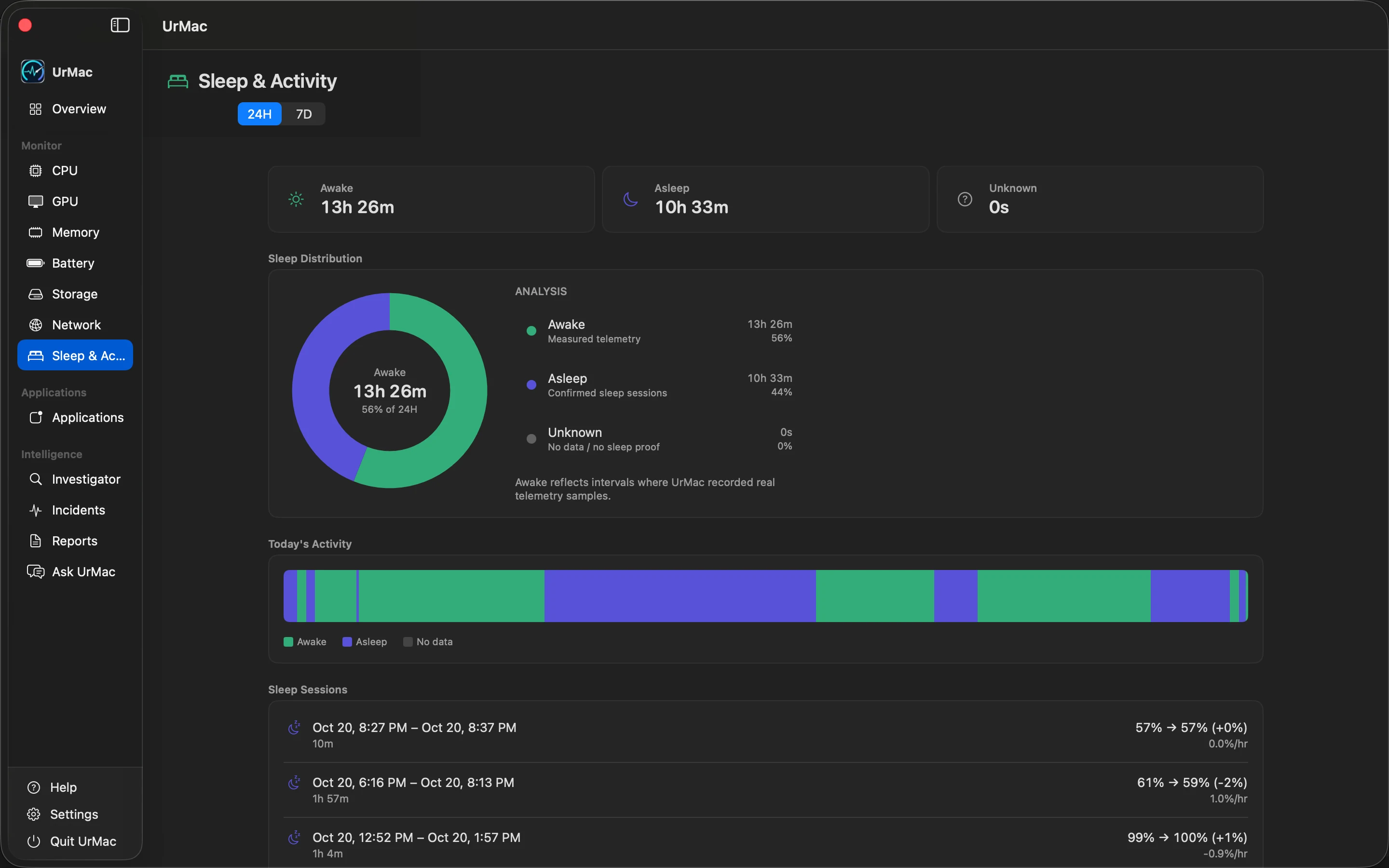
- Sleep & WakeAwake, asleep, and unrecorded periods
History
Look back before the problem started.
UrMac keeps local monitoring history so you can inspect what your Mac was doing before you noticed a change.
Applications
See associated application activity.
UrMac correlates application activity with observed system behavior and highlights likely contributors with confidence.
- Associated activity during the incident window
- Activity overlap with battery, CPU, memory, and thermal signals
- Likely contributor language instead of unsupported causation claims
Investigator
Understand what happened.
Investigator combines history, personal baselines, and activity correlation into an evidence-backed explanation with a recommendation.
Explore InvestigatorLocal-First Privacy
Your Mac's history belongs on your Mac.
UrMac is designed around local-first monitoring. Core monitoring history is stored locally on your Mac.
Read our privacy approachLocal · Your Mac
- CollectorsCPU, memory, battery, and more
- HistoryStored locally on your Mac
- InvestigatorEvidence, baselines, correlation
UrMac connects to the network only for Ask UrMac and for purchasing or restoring a plan, as described on the privacy page.
Get UrMac
Mac performance, understood.
Start with trustworthy monitoring and grow into evidence-backed investigation.